
From the blog

TV Antenna Replacement in Kepnock Bundaberg

  • No call-out fee in Bundaberg
  • Free, no-obligation quotes
  • Local technicians
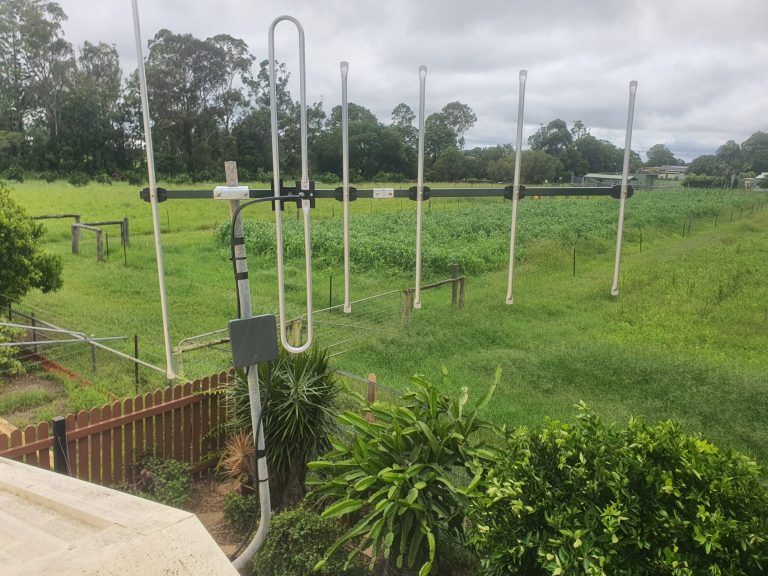
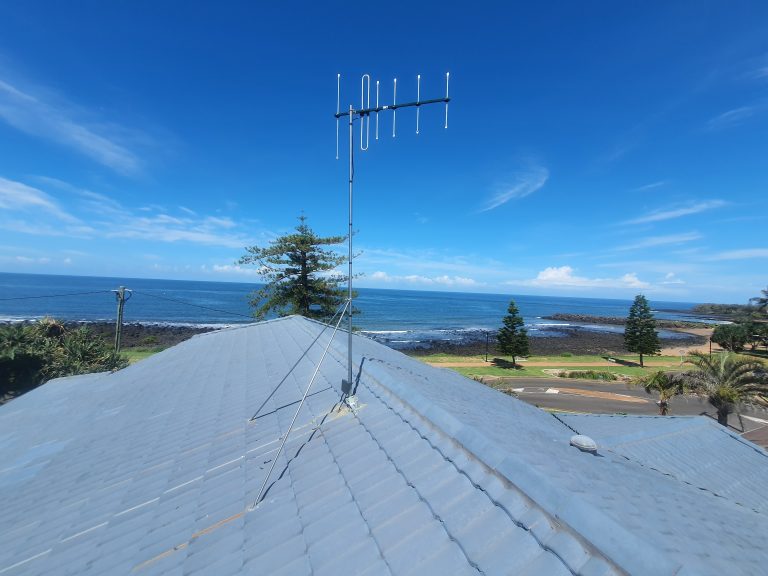
Replacement TV antenna installed in Kepnock, Bundaberg

We received a call from our customer in Kepnock regarding missing channels and constant pixelation on their main TV.

The problem

The antenna had been on the roof for many years. Elements were bent, the mast had moved in the wind and the cabling had perished in the sun — a very common combination on older Bundaberg homes.

The fix

  • Removed the old antenna and mast
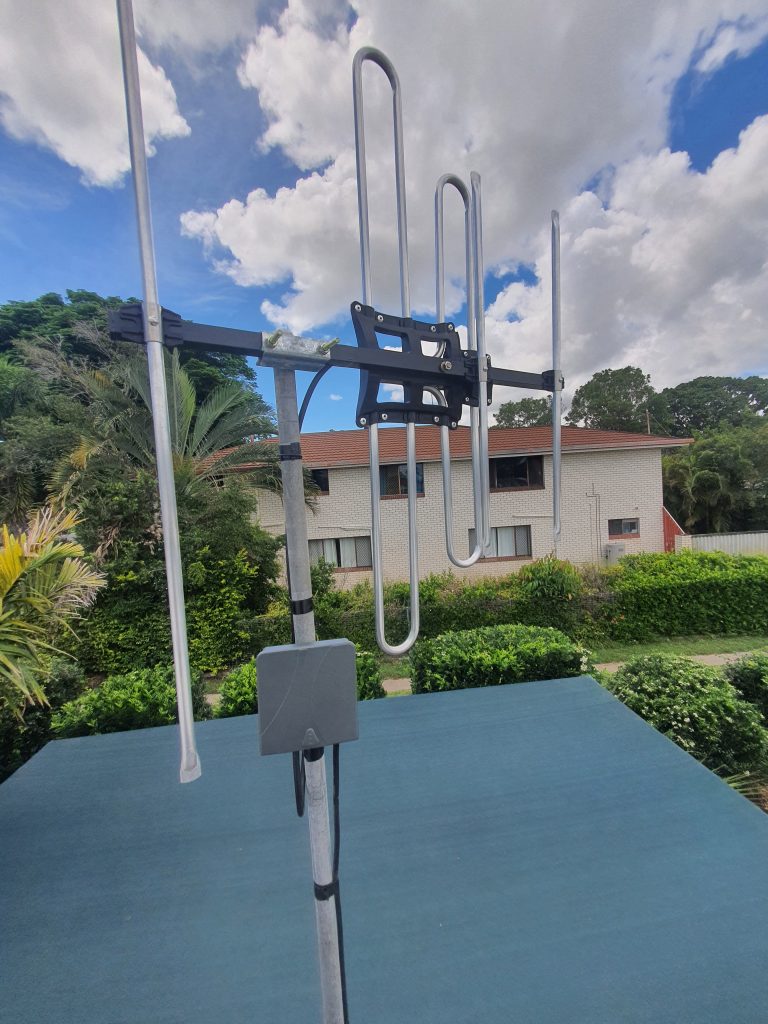
  • Installed a new antenna and mounting hardware
  • Aligned it to the strongest local transmitter
  • Ran new quality coax and re-terminated the wall plates
  • Re-tuned the TVs and checked every channel

Every channel came back crystal clear. If your TV is pixelating or showing “No Signal”, give us a call on 0401 140 653.
TV Antenna Repairs Bundaberg

Get a free, no-obligation quote today.

Tell us what's going on — pixelating TV, no Starlink signal, dropped calls or a new CCTV system — and a local technician will get back to you with honest advice and a fixed quote.

  • Local Bundaberg business — no call centres
  • Free, no-obligation quotes
  • Australian-made MatchMaster TV products
  • Same-day attendance Monday–Thursday where possible

Request a free quote

We reply to every enquiry within 1 business day — usually much sooner.

Prefer to talk? Call 0401 140 653. We only use your details to respond to your enquiry — see our privacy policy.

Common questions

Frequently asked questions

Answers to the most common issues our customers ask about. Still stuck? Give us a call.

Why is my TV pixelating or freezing?

Pixelating is almost always a weak or unstable signal. Common causes are a weather-damaged or misaligned antenna, a failed masthead amplifier, corroded connectors or old coax cable. We test the signal at the antenna and at each wall plate to pinpoint the fault.

My TV says "No Signal" — what should I check first?

Make sure the TV is on the right input (TV/Antenna, not HDMI), check the antenna cable is pushed firmly into the wall and the TV, and confirm the amplifier power supply (usually a small box plugged into a power point) is switched on. Then run a channel re-scan. If it's still blank, call us.

Do I need a new antenna or just a repair?

Often a repair is all you need — a new connector, splitter or amplifier. We'll only recommend a new antenna if yours is damaged, the wrong type for your area, or pointed at the wrong transmitter.

Can you fix the same problem described in this post?

Very likely — give us a call on 0401 140 653 or send the form below with your suburb and a short description.

Do you offer free advice?

Yes. If you're not sure what the problem is, call us and we'll talk you through a few quick checks first.

Keep reading

More recent jobs

Call Now Free Quote